

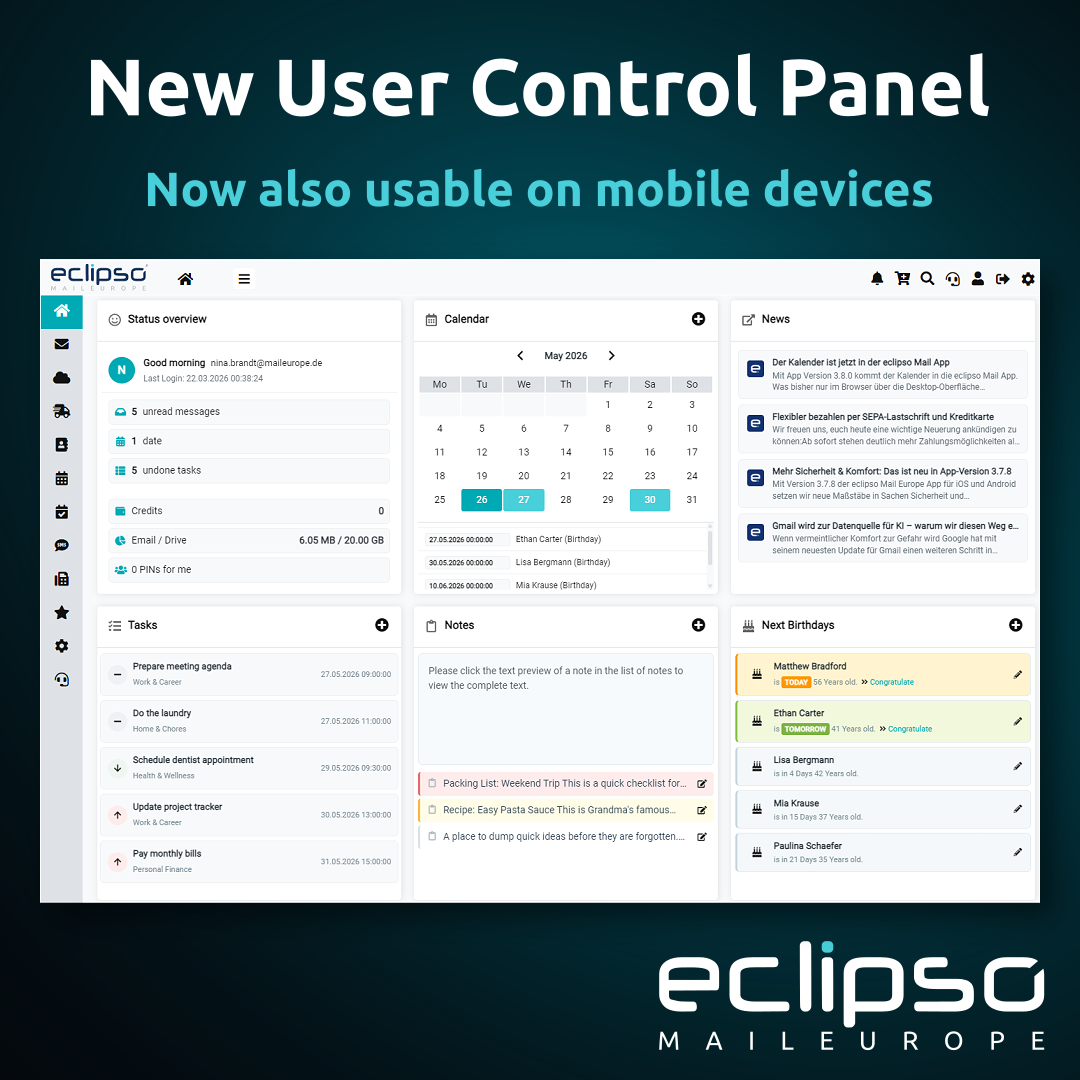
Anyone who has mainly used eclipso Mail Europe on desktop so far will already have noticed that the User Control Panel has changed considerably in many areas. A large part of the interface has been technically and visually revised over the past months. The goal was not only a more modern appearance, but above all more reliable usability on smartphones and tablets.

At the current stage, around 90 to 95 percent of the UCP has been revised in a way that allows the most important functions to be used sensibly not only on traditional desktop devices. Many areas now respond much better to smaller screens, touch input and different viewport sizes.
What has improved from a user perspective
The update is not limited to appearance alone. In many areas, existing functions were restructured, extended or made easier to use in everyday practice. This includes, among other things:
- a responsive layout across large parts of the User Control Panel
- better usability on smartphones and tablets
- modernized list and form views in many UCP sections
- improved detail views and dialogs
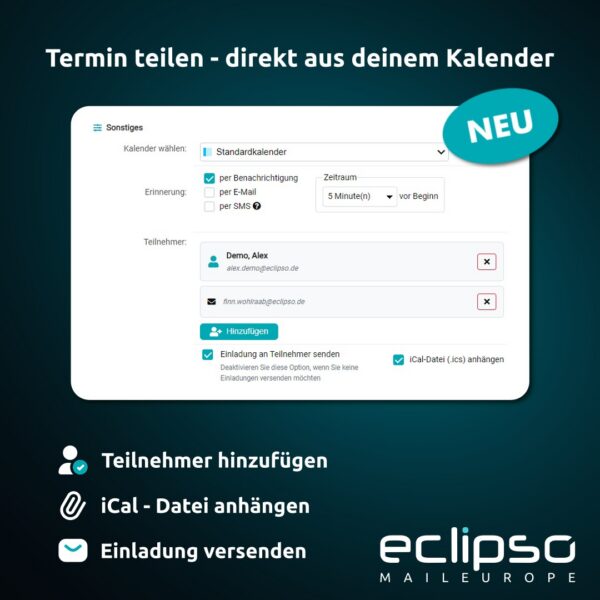
- enhanced calendar usage with a more up-to-date date selection
- a new WYSIWYG editor based on Jodit instead of the previous editor
- the option to predefine font family and font size for new emails
- improved mobile number input with international SMS dialing codes
- significantly expanded functionality in individual modules such as the bookmarks area
More than just a responsive layout
This was not a purely visual redesign. Many older views came from a time when usage was almost exclusively focused on desktop devices. As a result, some areas were narrow, table-heavy or inflexible. During the migration, not only were layouts adapted, but interaction patterns were revised as well.
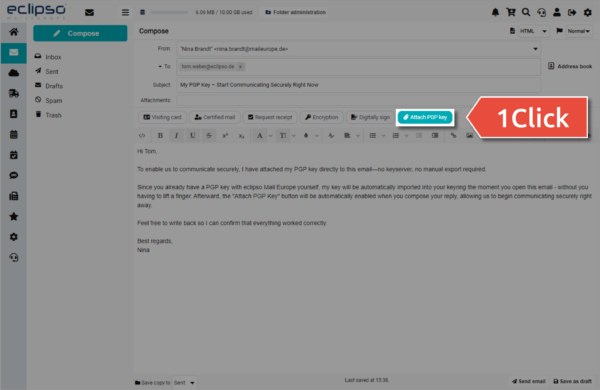
Email composition is one example: the new editor makes it easier to create content in a more modern way, while personal defaults such as font family and font size can now be preconfigured directly. Forms and lists were also refined in many places so that input works better on smaller devices and information is presented more clearly.
What this means in everyday use
For users, this mainly means more flexibility. Anyone who wants to quickly write an email, check a calendar appointment, manage contacts or adjust settings can now do so in far more areas directly on a mobile device, without depending on a desktop view.
The progress is especially noticeable on tablets and larger smartphones. But even on smaller displays, many interfaces have been adapted so that they are easier to read and more practical to use than before.
The work is not yet fully complete
Even though a very large part of the UCP has already been modernized, the work is not finished in every detail yet. Some areas will still be refined further, and with a migration of this size, certain things only become visible in day-to-day use across different devices and viewports. The direction is clear, however: the UCP is gradually moving from a largely desktop-oriented interface to a solution that is much easier to use on modern devices.
Conclusion
The migration of the eclipso User Control Panel is one of the larger technical and functional updates of recent times. From a user perspective, the most important point is that not only has the visual appearance become more modern. Many functions can now be used more easily, more directly and on significantly more devices than before.
We will present further individual improvements and newly completed areas in more detail over the coming weeks.
Tip: If you experience display problems, clearing your browser cache or reloading the page may help.